A player raising both arms to the Clutch Cam mounted above the court fence
Guide · Cameras · Padel

What makes a great padel camera?

A lot of what’s sold as a padel camera is a security camera pointed at a court with a button on the net. That’s fine for clips, and some clubs only want clips. If you want more, here are the eight things that separate a camera built for the sport from one adapted to it, and the one question to ask a vendor about each.

The eight things
  1. Angle court-level, behind the baseline, no fisheye
  2. Resolution 4K, so far-court players and vertical clips stay sharp
  3. Tracking automatic panning that follows play
  4. Onboard processing an AI processor on the camera, not only in the cloud
  5. Offline recording built-in memory for when the internet drops
  6. Durability weatherproof and ballproof
  7. Connectivity PoE or Wi‑Fi, and a published bandwidth figure
  8. Install 5–10 minutes to mount once power and internet are ready
The short answer

A great padel camera is one nobody on court has to think about.

It sees the whole court from behind the baseline without fisheye distortion, records in 4K, follows play on its own, processes video on the camera, keeps recording when the internet drops, survives weather and smashes, and mounts in minutes once power and internet are ready. Then the part most cameras skip: it turns the footage into highlights, stats and a rating without anyone pressing anything.

The eight things

What to look for on the spec sheet

Each one comes with the question to put to a vendor. If they can’t answer it in a sentence, that’s your answer.

01

Court-level angle, no fisheye

The camera should sit high behind the baseline on the short side, looking down the court, so footage shows depth and shot placement the way a player sees it. Wide fisheye lenses cover the court from one spot but bend the glass and the lines, and nobody wants to watch themselves through a peephole.

AskWhere is the camera mounted, and what is the lens field of view?
02

4K resolution

A padel court is 20 metres long and the ball is small and fast. 4K captures more detail across the court, so far-court players and the ball stay sharper, and it leaves room to crop highlights and vertical clips for Instagram. Good 1080p or 2K can look fine; 4K gives you more to work with.

AskWhat resolution and frame rate is the delivered video, not the sensor?
03

Automatic tracking

Play moves. A fixed frame either shows the whole court too small or cuts off the corners. A purpose-built camera pans automatically to follow the action, so clips are framed on the players and the rally, not on empty court.

AskIs the framing fixed, or does the camera follow play?
04

Onboard AI processor

Detecting points, shots and players is heavy work. Doing it on a processor inside the camera (an NPU) reduces dependence on transferring large video files to the cloud, and can significantly shorten the time between the end of a match and highlights and stats being ready. Cloud processing can work well too; the advantage is speed, because players want to review, analyse and share a match shortly after playing.

AskWhere is the video analysed: on the camera, on a box in the club, or in the cloud?
05

Built-in memory

Club internet drops. A camera with onboard storage can keep recording through the outage, as long as it stays powered, and upload when the connection returns, so a match played during a router reboot can still exist. Without it, that match is likely lost.

AskWhat happens to a match if the internet goes down halfway through?
06

Weatherproof and ballproof

Outdoor courts need an IP-rated housing; every court needs one that takes a smash. A camera behind the baseline gets hit. The housing should be designed for impact, not adapted from an indoor product.

AskWhat is the IP rating, and is it rated for direct ball impact?
07

PoE or Wi‑Fi, with a real bandwidth number

Power over Ethernet is one cable for power and data and is the reliable choice. Wi‑Fi with USB‑C power makes retrofits possible where cabling is hard. Either way the vendor should publish the upload speed per camera: for Clutch, about 20 Mbps for 4K or 6 Mbps for 1080p.

AskWhat upload speed per camera, and does Wi‑Fi work if we can’t run cable?
08

Minutes to mount

Once power and internet are prepared at the court, a magnetic mount and one cable should put a camera up in about 5–10 minutes, with configuration done remotely. Running Ethernet or power is a separate job, so plan for it. If the install needs a rig, a kiosk, screens in the glass or a site visit, the price on the quote is not the price.

AskWho installs it, how long per court, and what is the all-in year-one cost?
The software

After the match

Everything above gets you good footage. What a club is really buying is what happens to that footage afterwards, and that’s where systems differ most.

Every pointrecorded and clipped automatically. Nobody presses a button or makes a gesture to keep a rally.
Statswinners, errors, shot types and speed, rally and movement data, for every player in the match.
A ratingClutch Score measures how well each player played, from their first recorded match, whatever the result.
Coaching and communityAI coaching tips, leaderboards and club rankings, Clutch TV on the lounge screen. Reasons to book again.
Camera vs. system

Built different. By design.

The hardware can look similar on a shelf. On court the difference is obvious within one match.

A security camera with a button
  • Records continuously; the player has to press something to keep a point
  • Fixed wide lens, often fisheye, framed on the whole court
  • Often 1080p or 2K; less room to crop for vertical clips
  • Analysis in the cloud, if there is any
  • Internet drops, match may be lost
  • Clip in an app, and that’s the end of it
A purpose-built padel camera
  • Every point detected and clipped automatically; a gesture is optional
  • Court-level view from behind the baseline, automatic panning, no fisheye
  • 4K, so clips stay sharp when cropped for social
  • Onboard AI processor for fast highlights and stats
  • Built-in memory keeps recording through internet outages while powered
  • Stats, a rating, coaching, leaderboards and Clutch TV after the match
Questions

Common questions

What resolution should a padel court camera have?

We recommend 4K. A padel court is 20 metres long and the ball is small and fast; 4K captures more detail across the whole court, gives sharper recordings and leaves room to crop highlights and vertical clips for social media. Good 1080p or 2K footage can still look fine. Clutch records in 4K.

Where should a padel camera be mounted?

High behind the baseline on the short side of the court, looking down the court. This gives a natural court-level view that shows depth and shot placement. Avoid wide fisheye lenses, which distort the court and make footage hard to watch.

Can a security camera be used as a padel camera?

It can record, but it cannot find the points, cut the highlights, or produce stats. A padel camera system is defined by what the software does with the footage, not by the lens. Retrofitting a security camera usually ends with a button on the net and no stats.

What internet speed does a padel camera need?

For Clutch, plan on about 20 Mbps upload per camera for 4K or 6 Mbps for 1080p. A camera with onboard storage can keep recording if the connection drops, as long as it has power, and upload later.

Does a padel camera need to be weatherproof?

Yes if any court is outdoors, and it should be ballproof either way: a camera behind the baseline takes direct hits from smashes. Ask for the IP rating and whether the housing is designed for ball impact.

How is this different from the systems with touchscreens or buttons on court?

Those systems make the player do the work: press a button, tap a screen, hit a buzzer. A purpose-built AI camera does it for them, and uses the same footage to produce stats and a rating. See our comparison of ten padel camera systems for how each one handles it.

Guides · Cameras · Padel

More guides

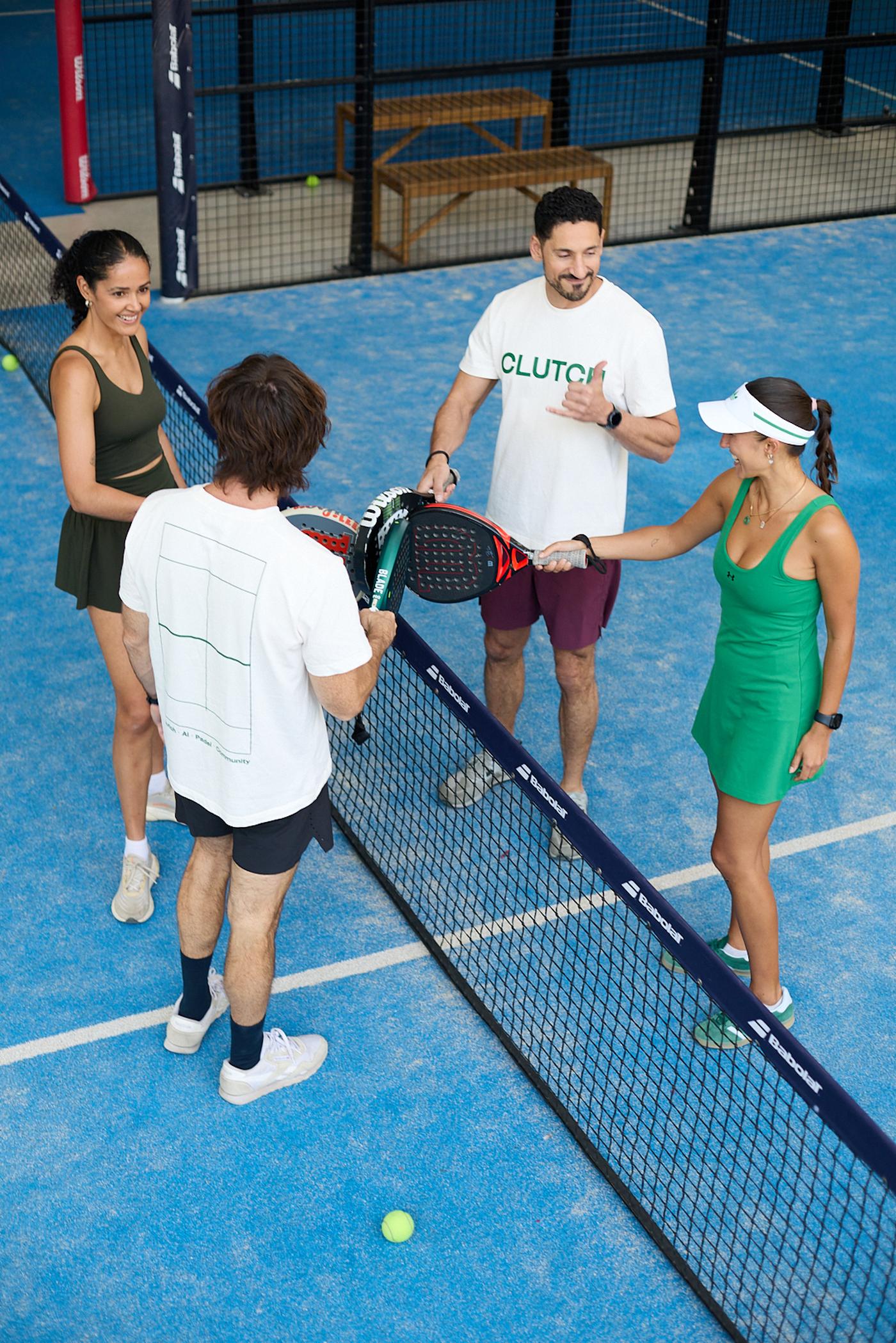
Four players touching rackets at the net after a match
See it on your courts

Play smart. Play better.

A 20-minute walkthrough with your court count and real pricing.